
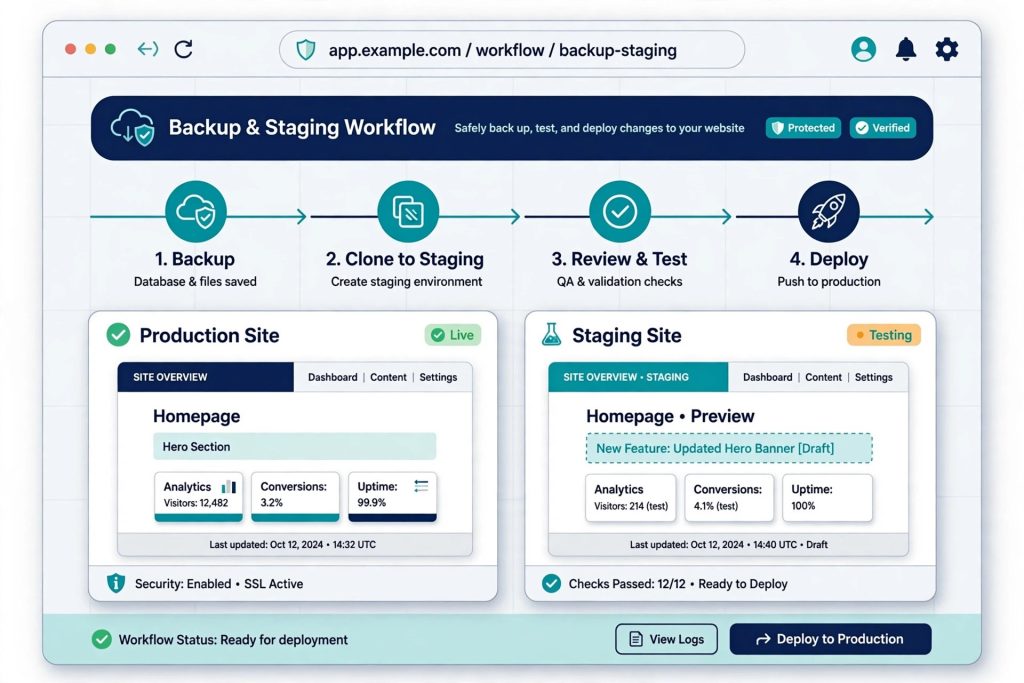
There is one rule behind every safe Joomla upgrade I do: never run an update directly on your live site.
An update can break an extension, a template override, or a piece of custom code. If that happens on the live site, your visitors see the problem while you scramble to fix it. The same break on a staging copy costs you nothing but a little time.
The process I follow
First, take a full backup — files and database. Akeeba Backup is a solid free tool for this, and most hosts also offer a backup option. Second, copy the site to staging. That is a separate copy of the site, usually on a subdomain or in a folder, where you can break things safely. Third, run the update on staging. Fourth, test everything: the homepage, article pages, login, contact and other forms, search, and every extension the site relies on. Fifth, fix anything that breaks — on staging, where it is safe. Sixth, only then, run the same update on the live site, starting from a fresh backup.
After the update, check the frontend once more, clear the site cache, and keep the backup for a few days in case you need to roll back.
It takes a little longer than clicking update on live. But it is the difference between a smooth upgrade and a site that is down when your visitors need it.
If you’d like this done for your site, start with a free site check.